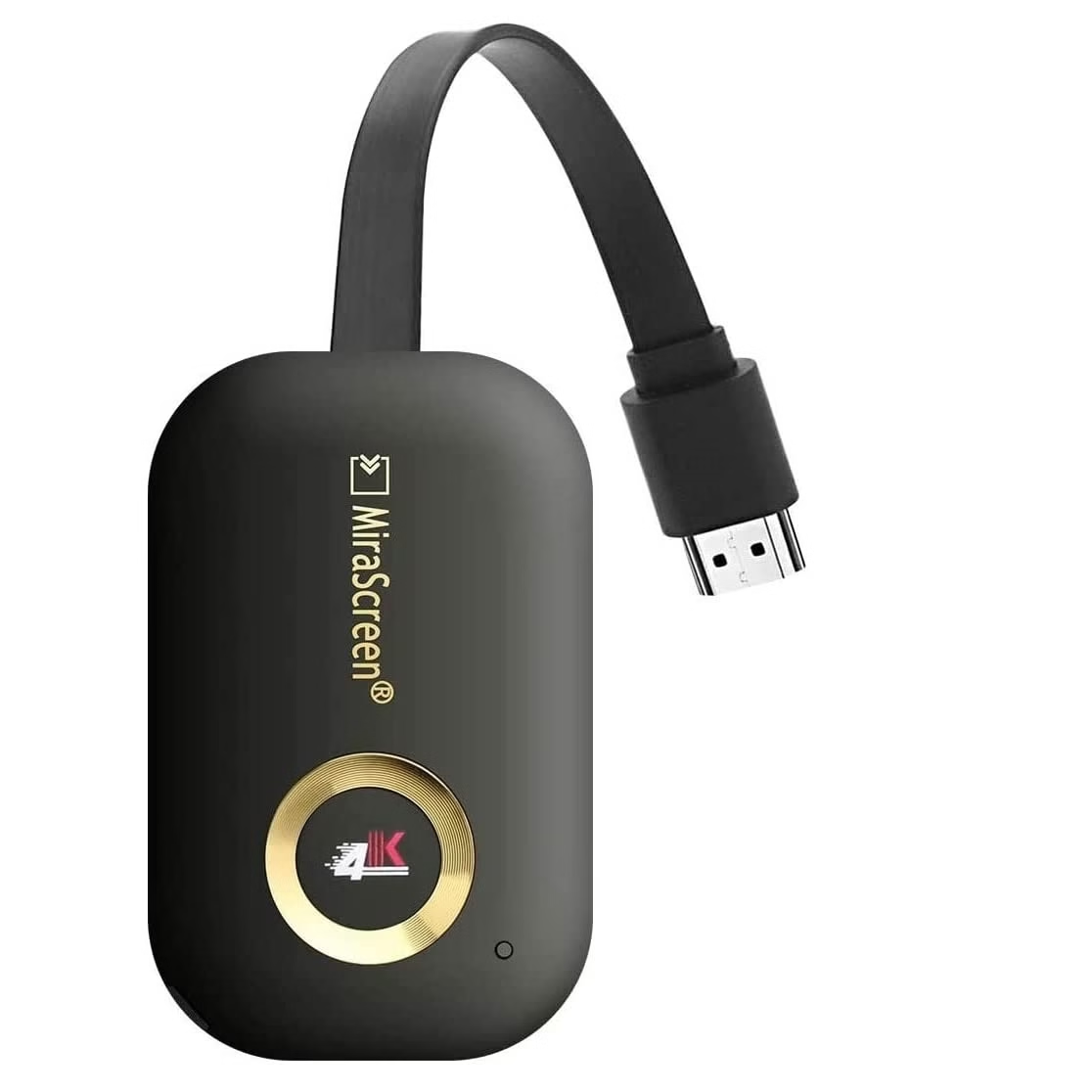
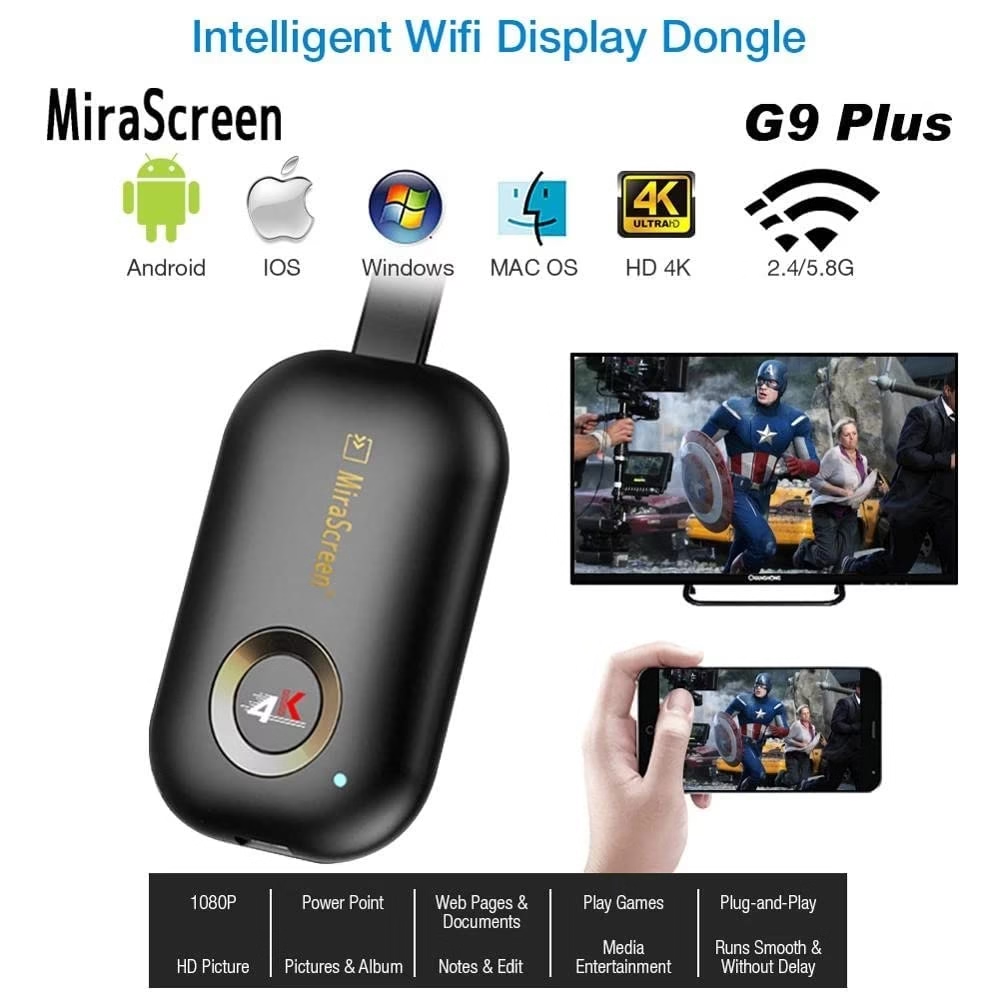
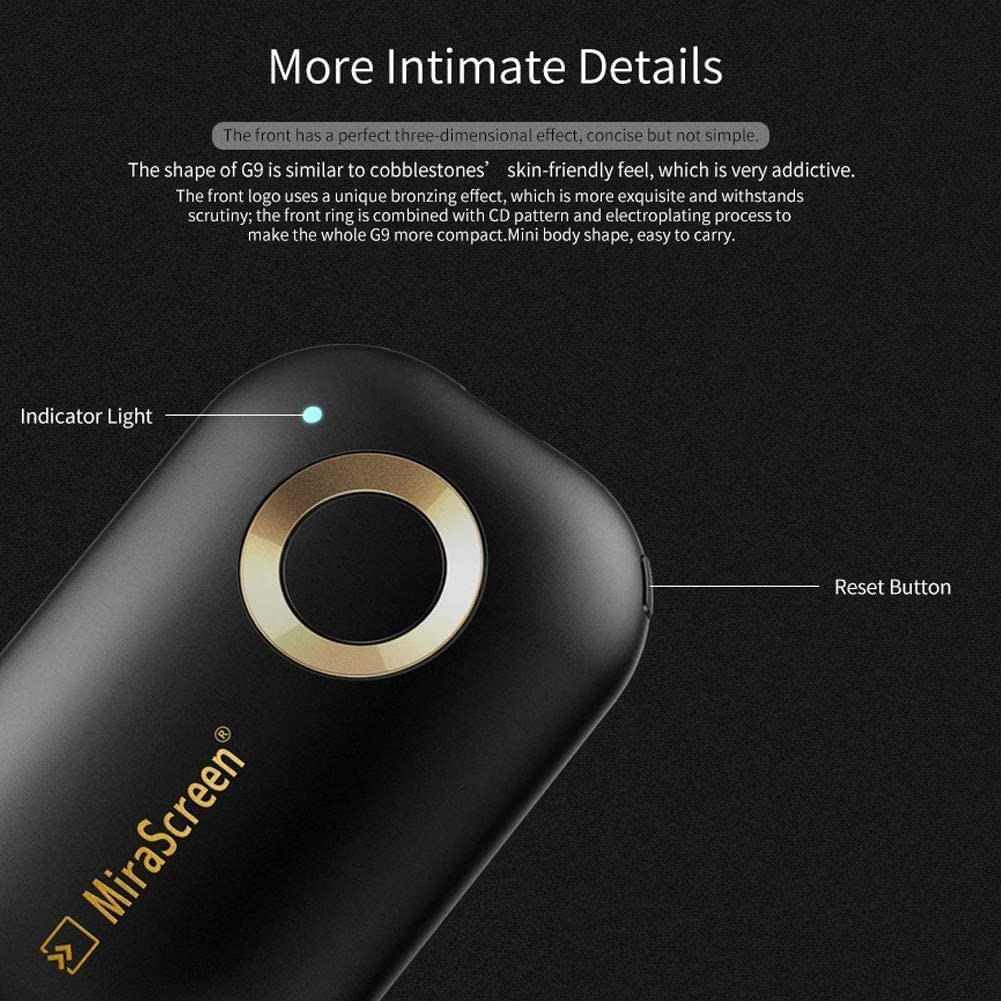

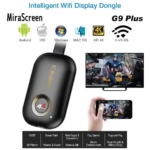
5G G9 Plus HDMI Wireless Display Receiver 5G/2.4G WiFi 4K 1080P Mobile Screen Cast Mirroring Adapter Dongle for iPhone Mac iOS Android to TV Projector Support Miracast Airplay DLNA No Switching
₹3,999.00 Original price was: ₹3,999.00.₹2,699.00Current price is: ₹2,699.00.
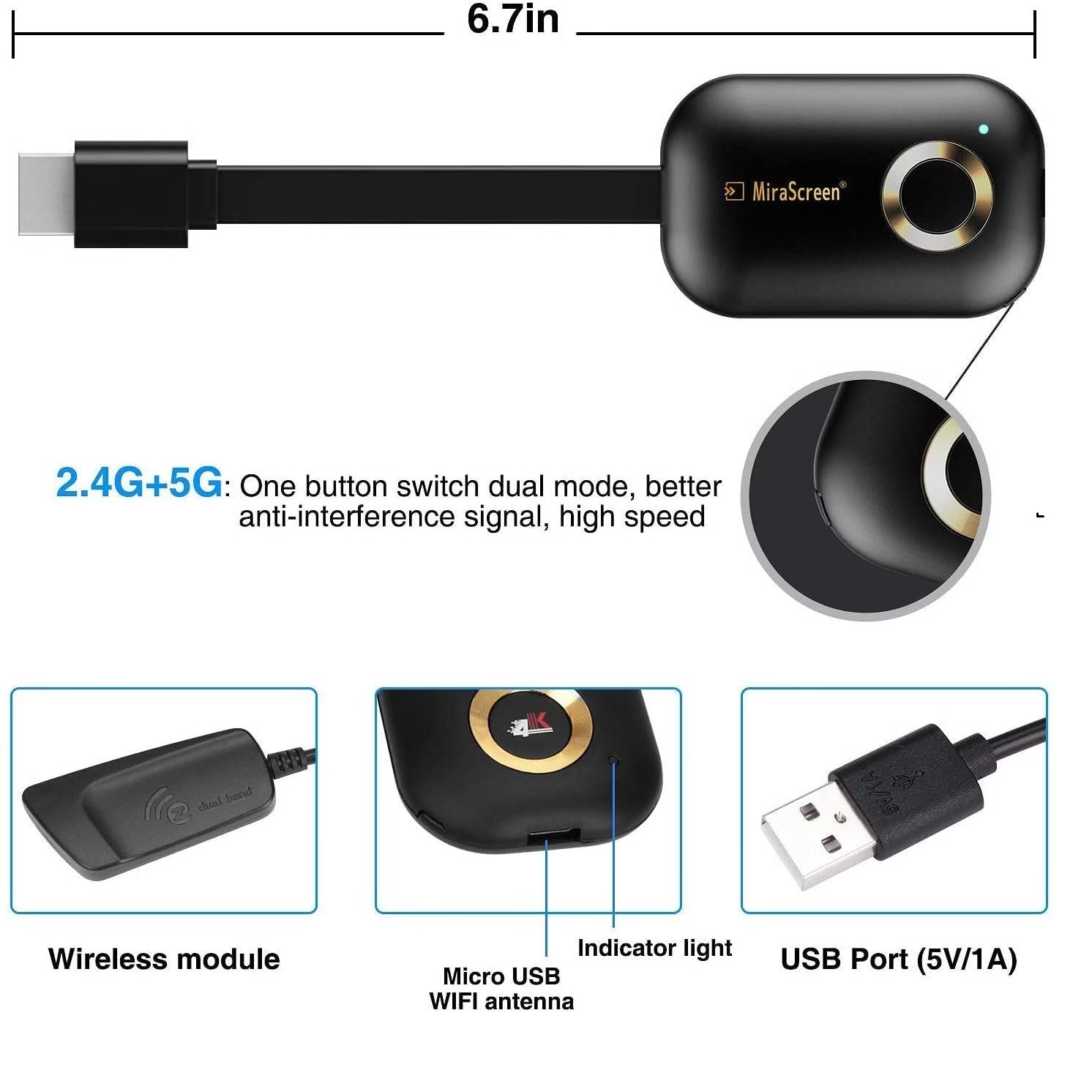
【Dual Band 5G/2.4G】SmartSee Wireless display adapter is designed with extending HDMI cable which solves the shortcome of the first generation. Powered by RAM Dual core chipset. Support H.265/HEVC Decoder, support 4K(3840 X 2160) and 1080P resolution. Support Google Home App casting on Android device and Google brower casting on Windows. No Need Switching in Miracast Airplay DLNA Modes. Easy Mirroring.
【Setup for iOS Users】Connect Anycast in WiFi list on your iOS device, b. Access IP address 192.168.203.1 via a browser to connect to wifi internet, c. Confirm your phone is connected to the same wifi, d. Open Airpaly Mirroring to cast your iOS screen to your TV wirelessly. Now you see what shows on your iOS device on TV.
Fast Shipping
Secure Payment
Shop With Confidence
Easy Returns
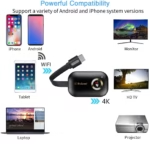
Experience seamless wireless streaming with the 5G G9 Plus HDMI Wireless Display Receiver. Enjoy 4K and 1080p ultra-HD quality on your TV or projector with dual-band 5G/2.4G WiFi for stable, lag-free connections. Compatible with iPhone, Android, Mac, and Windows, this adapter supports Miracast, AirPlay, and DLNA, letting you mirror movies, games, and presentations instantly—no switching or apps required. Perfect for home entertainment and business use alike.
About this item
【Dual Band 5G/2.4G】SmartSee Wireless display adapter is designed with extending HDMI cable which solves the shortcome of the first generation. Powered by RAM Dual core chipset. Support H.265/HEVC Decoder, support 4K(3840 X 2160) and 1080P resolution. Support Google Home App casting on Android device and Google brower casting on Windows. No Need Switching in Miracast Airplay DLNA Modes. Easy Mirroring.
【Setup for iOS Users】Connect Anycast in WiFi list on your iOS device, b. Access IP address 192.168.203.1 via a browser to connect to wifi internet, c. Confirm your phone is connected to the same wifi, d. Open Airpaly Mirroring to cast your iOS screen to your TV wirelessly. Now you see what shows on your iOS device on TV.
【Setup for Android Users】 Open Miracast function on your Android device and select Anycast to cast your device to TV. If you dont know about Miracast, you can download “EZMira” App by scan the QR code on screen, now you open “EZMira” App to connect to Anycast, it will guide you. Now your small screen will be mirrored to big screen.
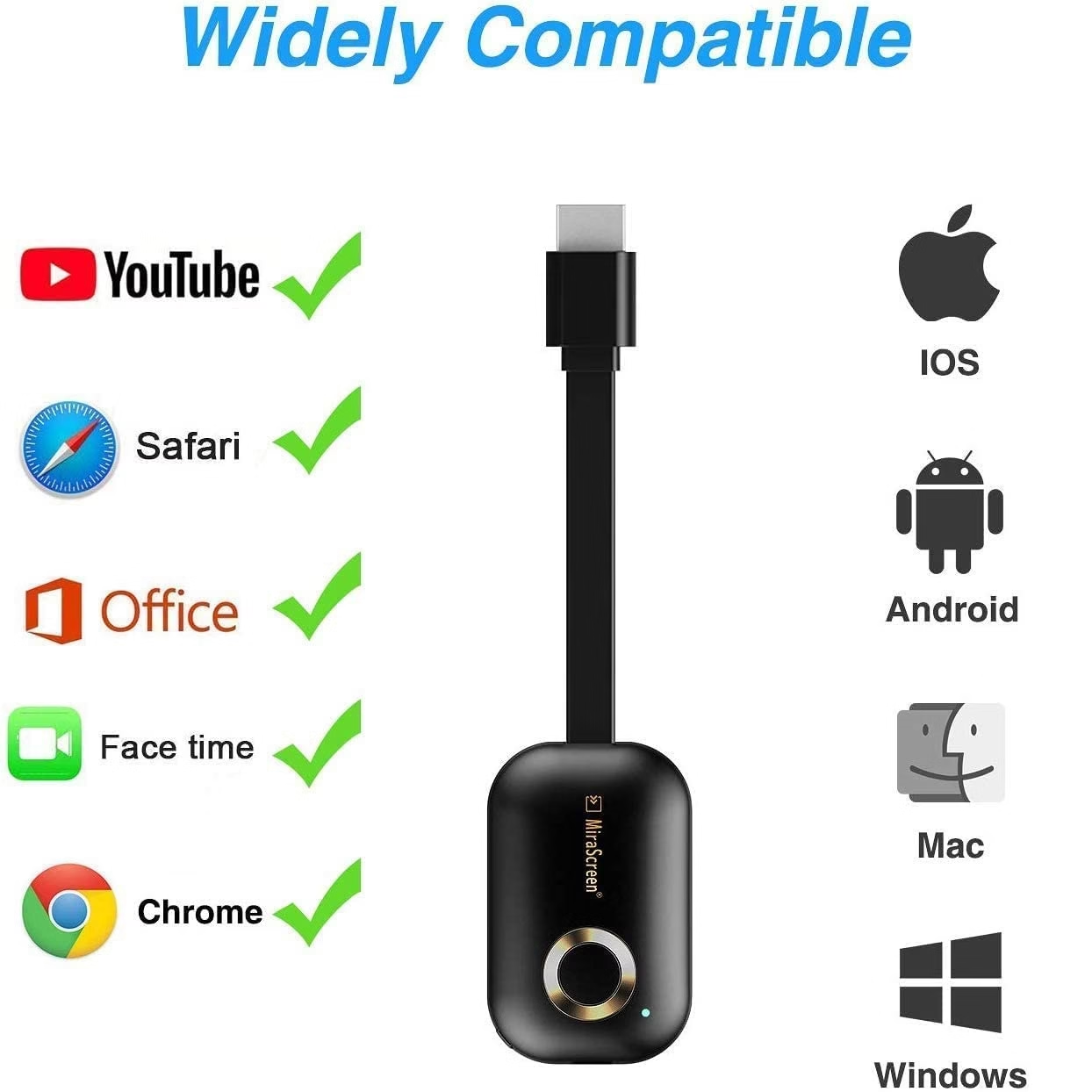
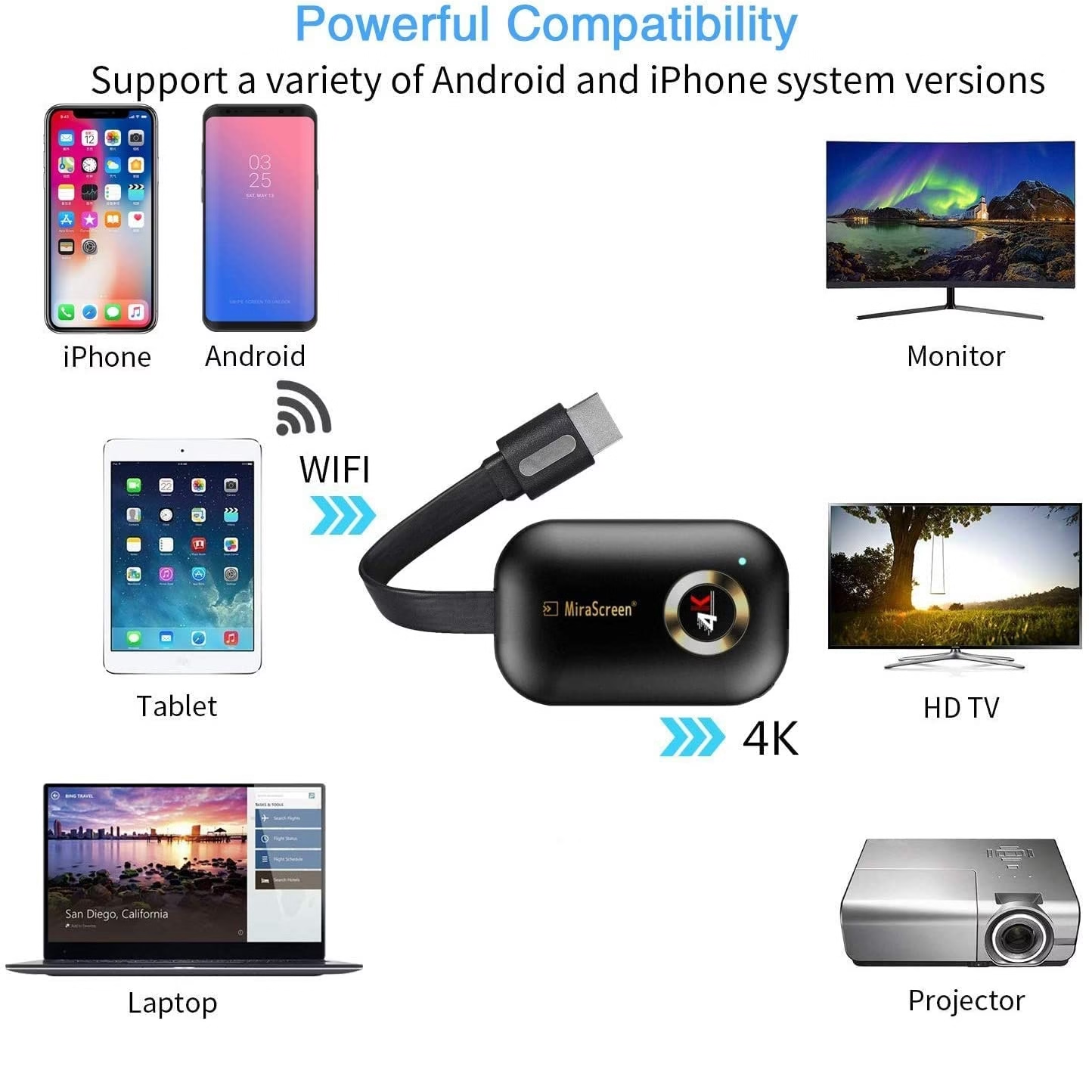
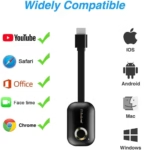
【Wide Compatibility】Support Miracast/Airplay/DLNA. Compatible with Android 4.4+ and iOS 9.0+, MacOS 10+, Windows 8.1+(must be Miracast enabled, please check that first). While friends gathering or family reunion, you can share photos or videos or movies from phone/tablet to your big screen wirelessly. Share presentation or files on big screen in conference or classroom. Support Netflix/ Amazon Video/ HBO go/ Hulu Plus sky go/DIRECTV etc on Android device. Only undecrypted videos for iOS devices
【Regular OTA Update】We will regularly update the firmware from the cloud server to add features and improve compatibility, connect this dongle to your wifi and it will be upgraded automatically, so this dongle could be compatible with the newest version of your iOS/Android/Windows device anytime. When Apple or Android updates the system, our company will update the dongle version within one week.
Also Available On
- Recently Viewed Products
- Related Products
Related Product
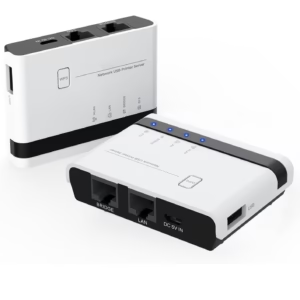
USB Wireless Print Server, WiFi Print Server
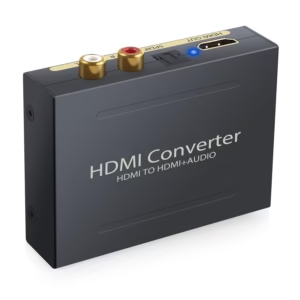
Microware HDMI Audio Converter + Optical Digital

192KHz eARC/ARC Audio Converter, HDMI eARC/ARC Audio
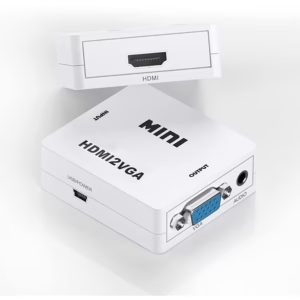
MICROWARE Video Converter HD 1080P HDMI to
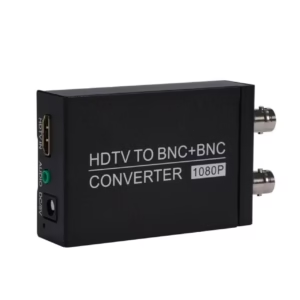
MICROWARE Adapter Converter HD to CVBS Converter
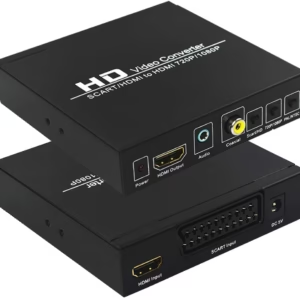
Microware Scart/HDMI to HDMI 720P 1080P HD
Only logged in customers who have purchased this product may leave a review.
Reviews
There are no reviews yet.