
Microware 8K USB C KVM Switch HDMI 2 Port 8K@60Hz 4K@120Hz, HDMI 2.1 KVM Switch with and 100W Power Delivery for 2 Computers Share 1 Monitor(DP/HDMI Output) and 3 USB Devices,3.5mm Audio
₹12,999.00 Original price was: ₹12,999.00.₹5,299.00Current price is: ₹5,299.00.
Out of stock
Out of stock
8K USB C KVM Switch HDMI 2 Port 8K@60Hz 4K@120Hz, HDMI 2.1 KVM Switch with and 100W Power Delivery for 2 Computers Share 1 Monitor(DP/HDMI Output) and 3 USB Devices,3.5mm Audio
Fast Shipping
Secure Payment
Shop With Confidence
Easy Returns
MICROWARE USB C KVM Switch 2×1
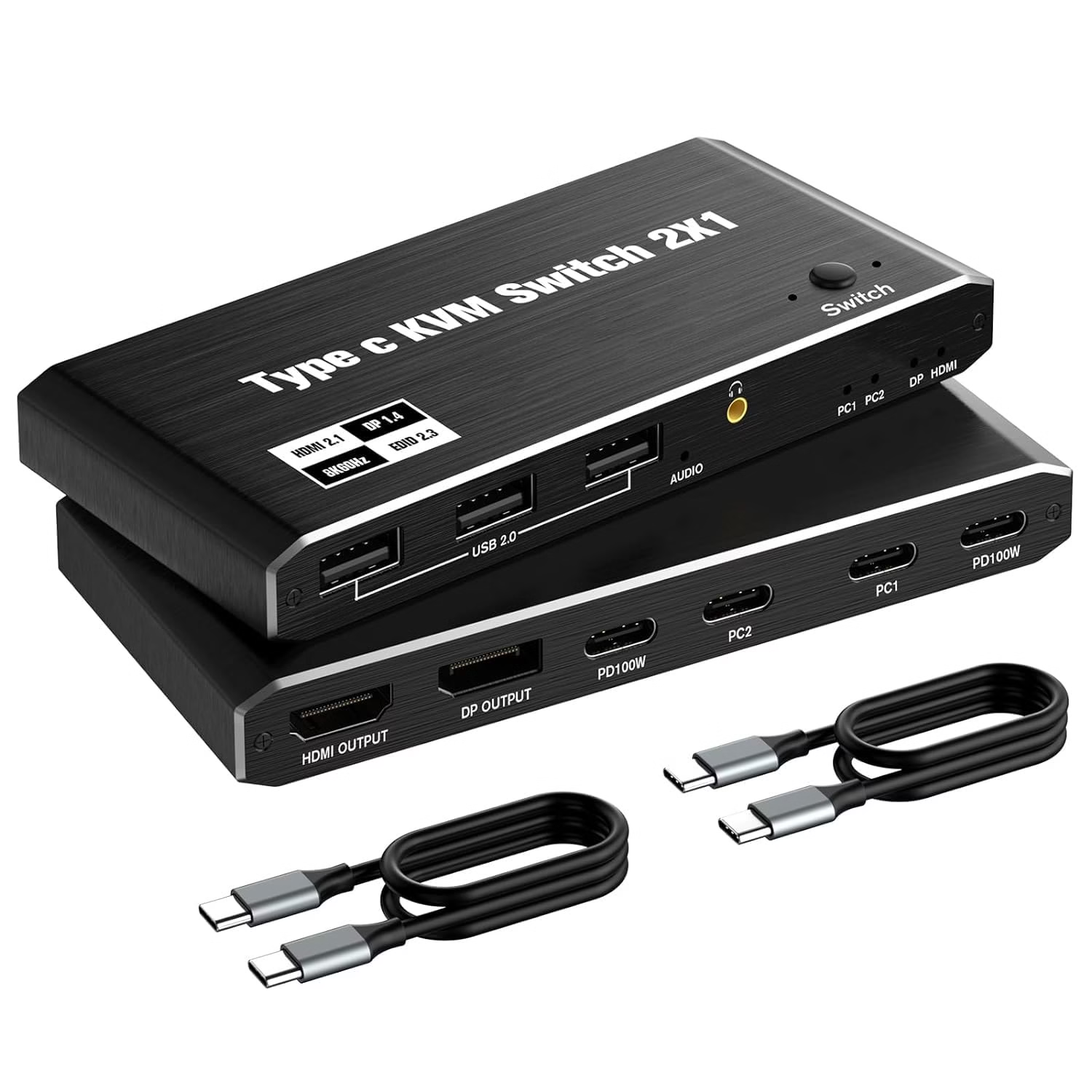
The Vowish USB C KVM Switch allows for the sharing of 1 monitor between 2 USB C devices. Each source is connected to the KVM switch using a single USB C full-function cable to transmit both the video signal and USB signals.
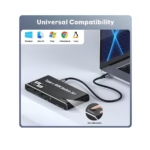
This KVM Switch has 2 USB-C input ports, eliminating the need for a docking station or adapter when using devices that only have Type-C ports. The USB C KVM simplifies the process of signal conversion and supports Type C signal sources such as laptops, tablets, and cell phones.
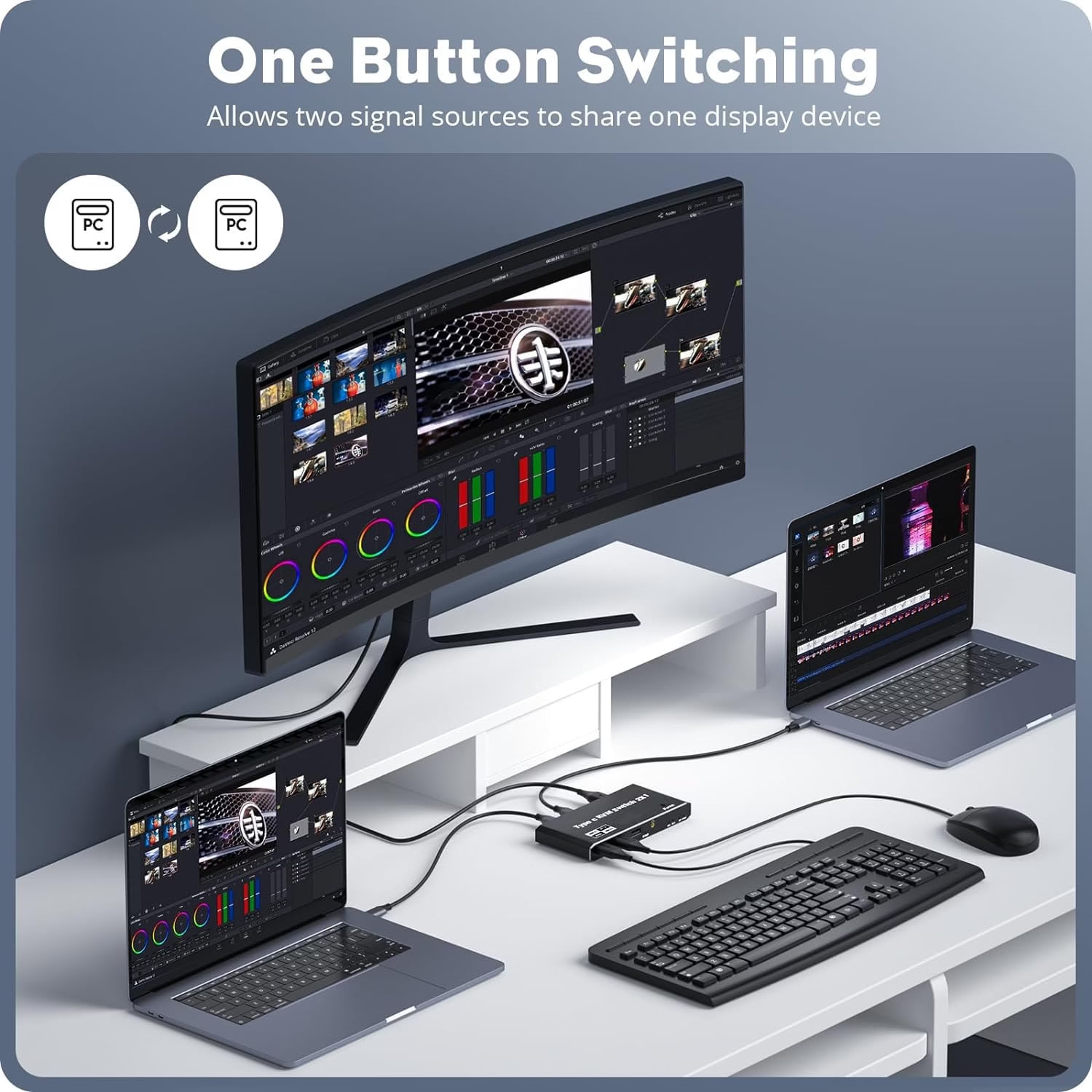
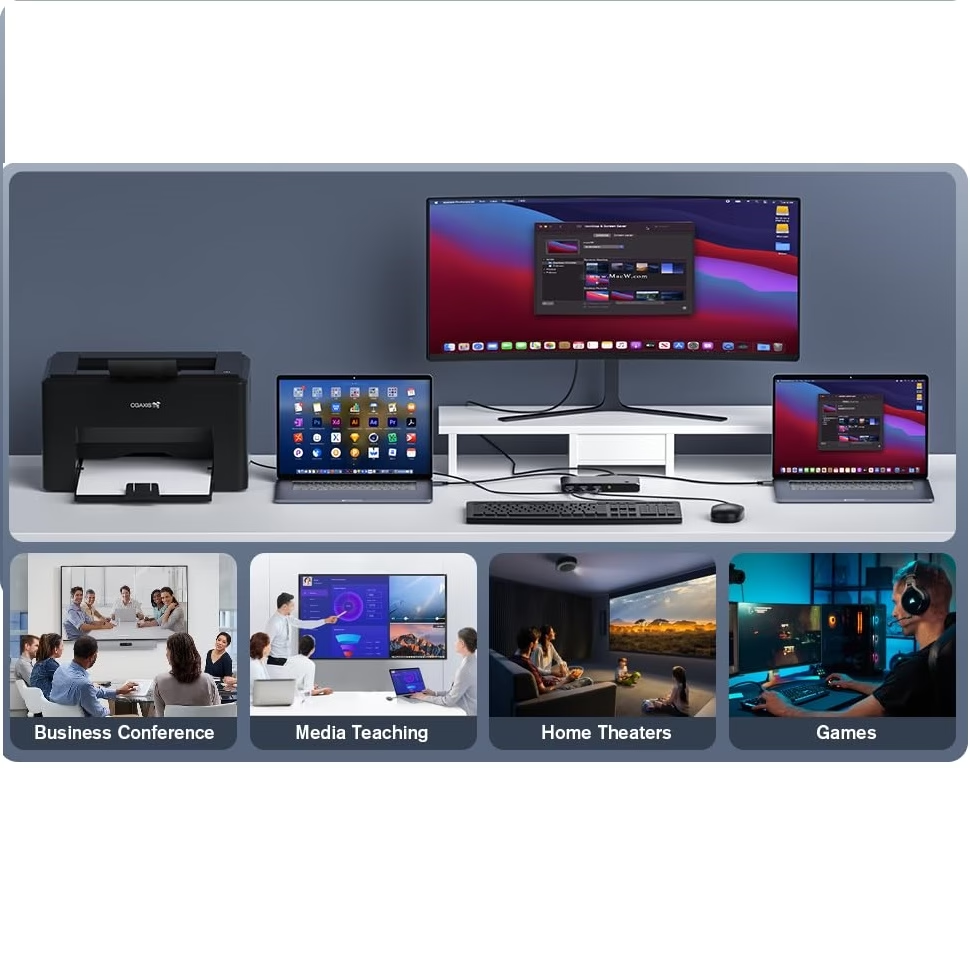
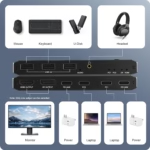
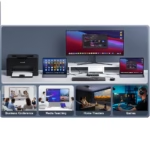
The USB C KVM allows for 2 computers to share 1 monitor and be controlled by a single set of keyboard and mouse.
It supports resolutions up to 8K@60Hz and is compatible with 4K@60Hz/120Hz/144Hz (DSC), and 1080P@60Hz/120Hz/165Hz, and other formats. It adheres to HDMI 2.1 and DP 1.4 standards, ensuring compatibility with most display devices available in the market.
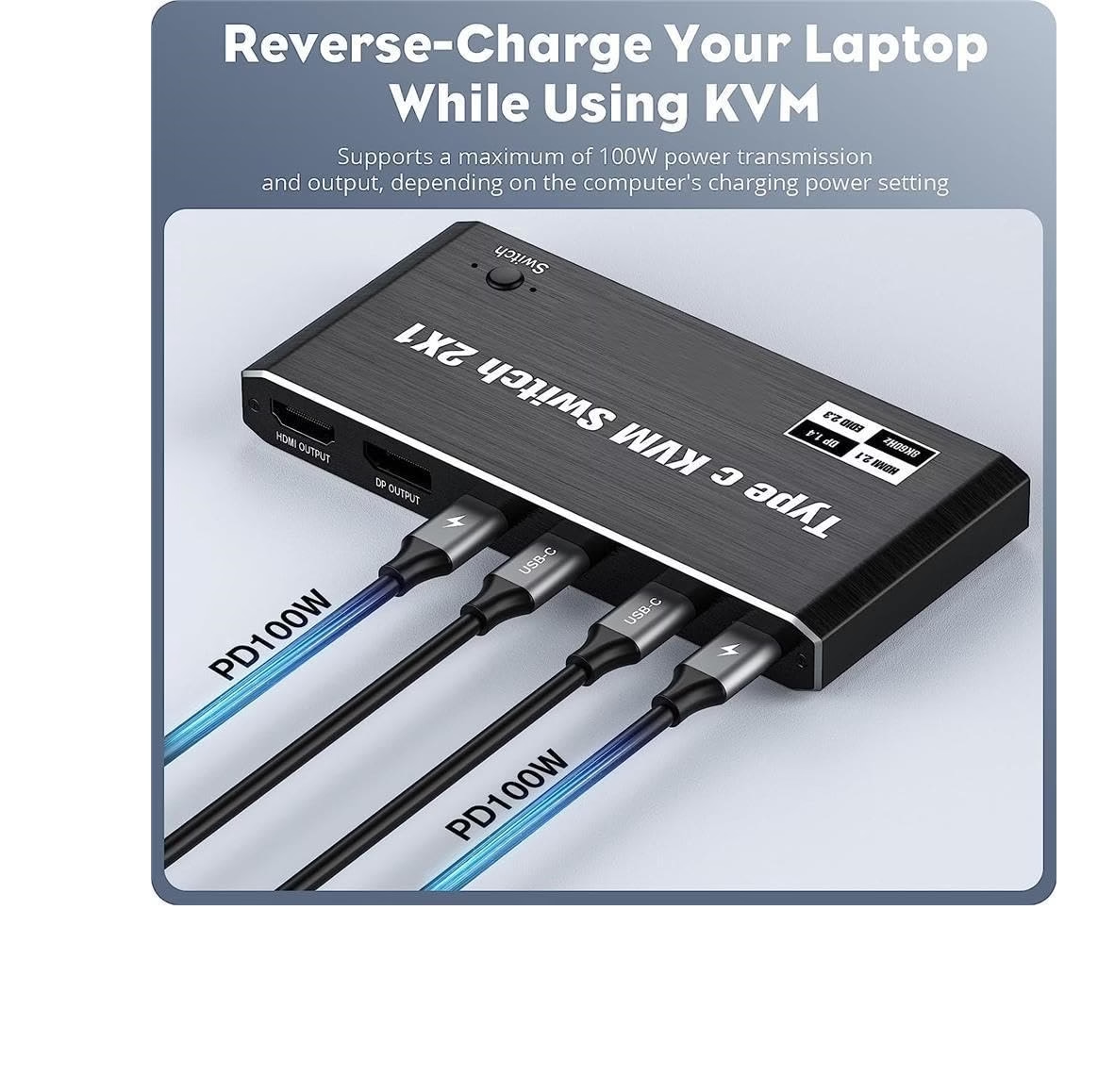
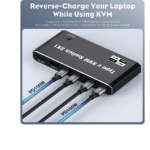
Furthermore, it provides 100W power to charge the signal source, ensuring uninterrupted operation during long working hours.
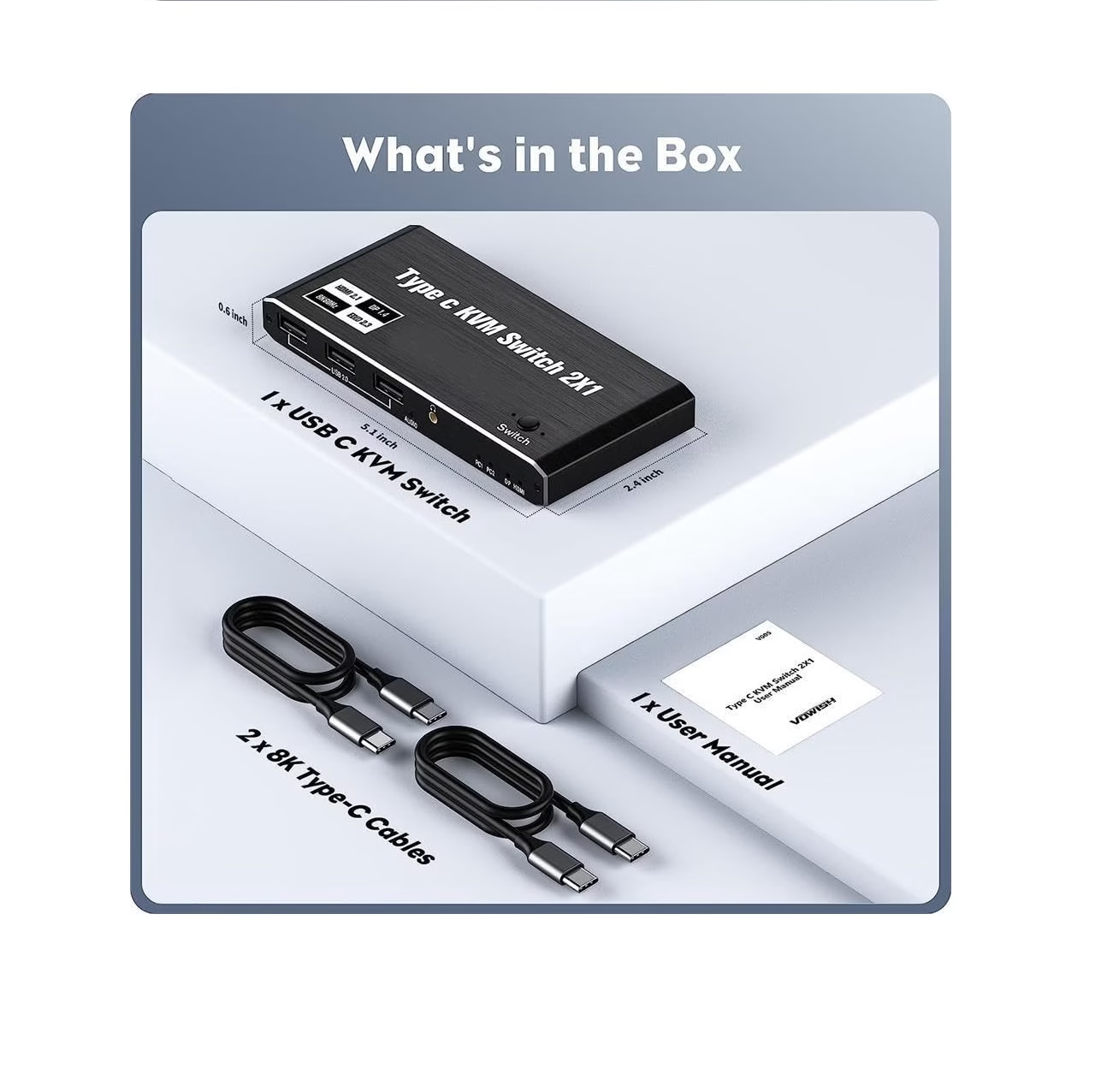
The KVM Switch 2 Port also includes 3 USB 2.0 ports, allowing 2 computers to share 3 USB devices.
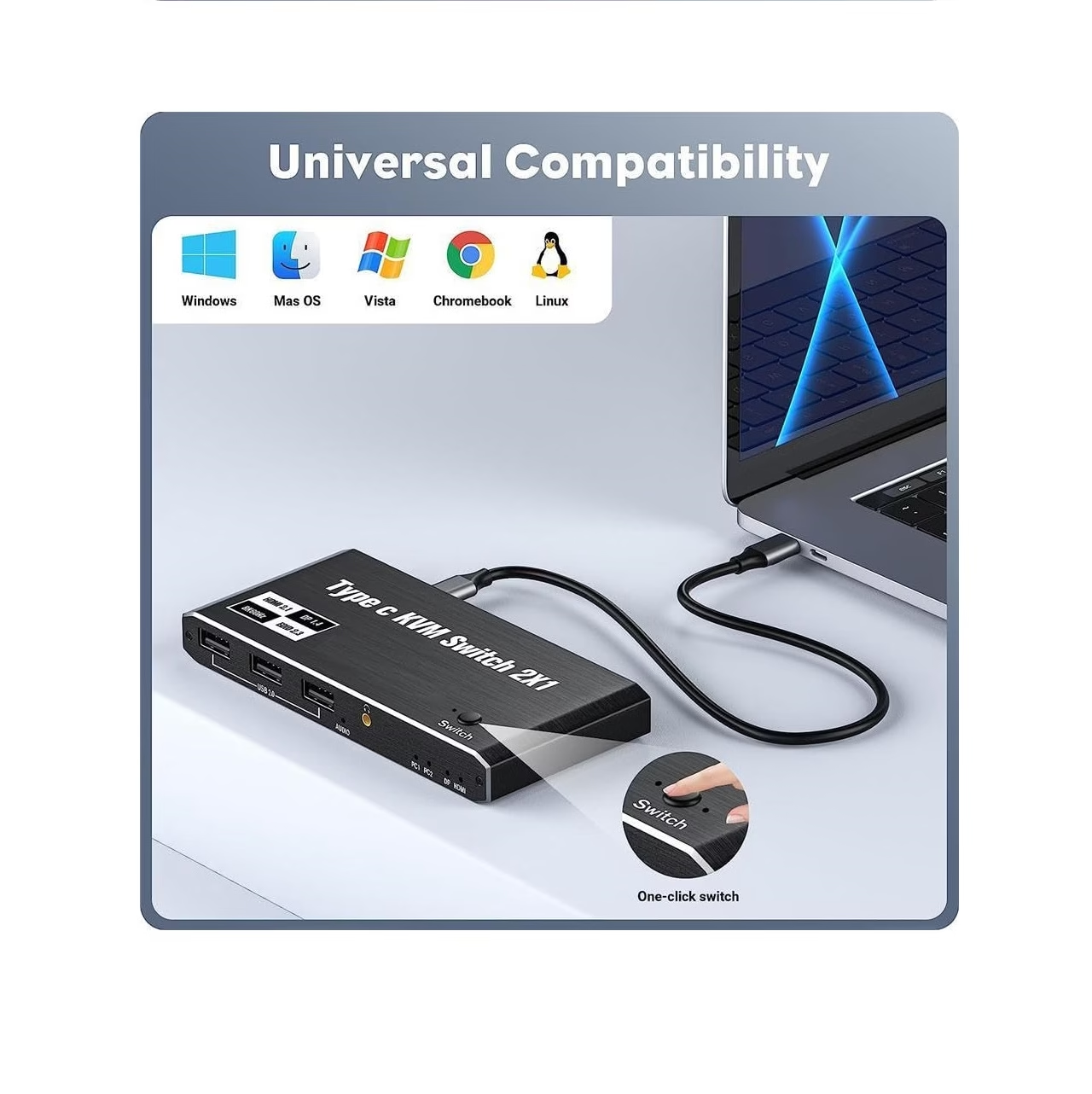
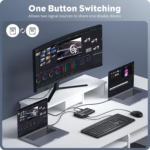
Additionally, the USB C KVM supports button switching, providing the flexibility to switch between the two connected computers with ease.
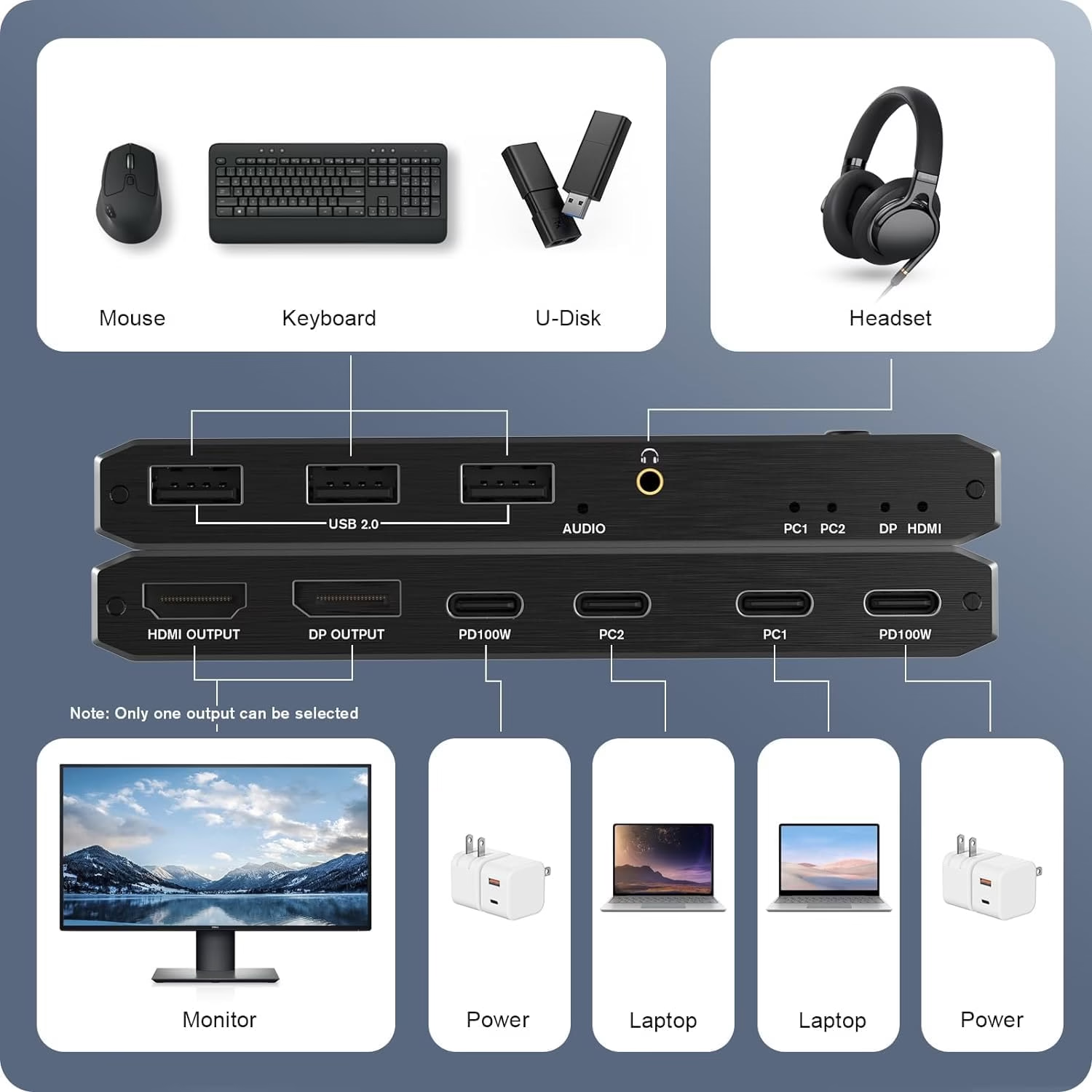
How to Connect?
Connect the power adapter:
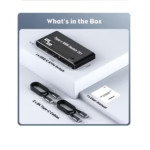
Using a USB cable (included as an accessory), connect the Type-C end to the product, and connect the Type-A end to the power adapter.
Connect the display device:
Using a DP/HDMI cable (to be purchased separately), connect one end to the product, and connect the other end to the DisplayPort or HDMI port of the display device.
Connect the USB printer:
Using a USB cable (to be purchased separately), connect the Type-B end to the printer, and connect the Type-A end to the product.
Connect PC1 (laptop) USB Port:
Using a USB cable (included as an accessory), connect the Type-C end to the product, and connect the other end to the USB port of PC1.
Connect the USB keyboard:
Connect the USB cable of the keyboard to the product.
Connect the USB mouse:
Connect the USB cable of the mouse to the product.
Connect PC2 (laptop) USB Port:
Using a USB cable (included as an accessory), connect the Type-C end to the product, and connect the other end to the USB port of PC2.
Note: The HDMI interface and DP interface cannot output at the same time, and only one interface can be selected for display.
- Recently Viewed Products
- Related Products
Related Product
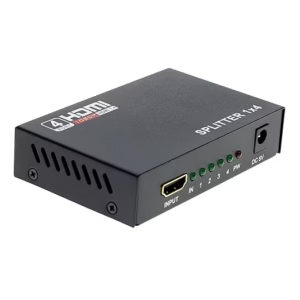
Microware HDMI 1 In 4 Out Full
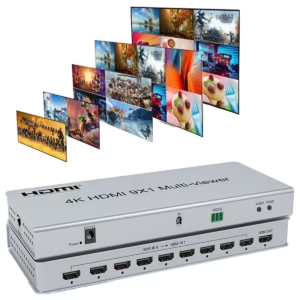
MICROWARE 4K 9×1 HDMI Multi Viewer Quad
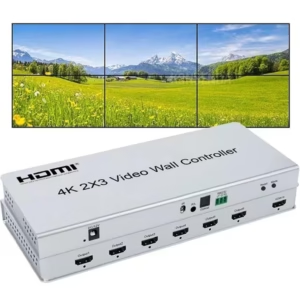
2×3 Video Wall Controller | 4K@30Hz |
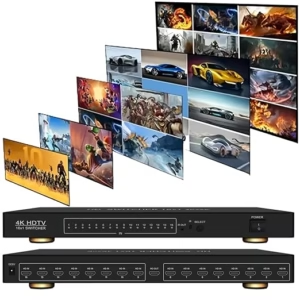
MICROWARE HDMI Switch 16×1,16 in 1 Out
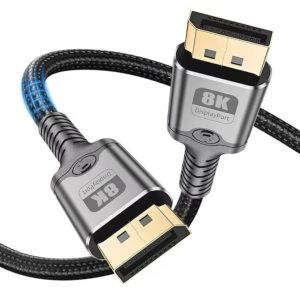
MICROWARE 8K DisplayPort Cable V1.4, Nylon Braided
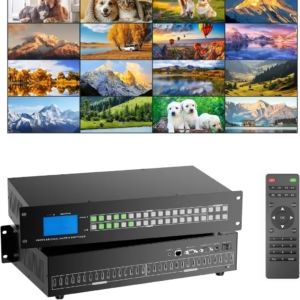
MICROWARE 4K HDMI Matrix 16×16 w/Web &
Only logged in customers who have purchased this product may leave a review.
Reviews
There are no reviews yet.